RoyiFileManager
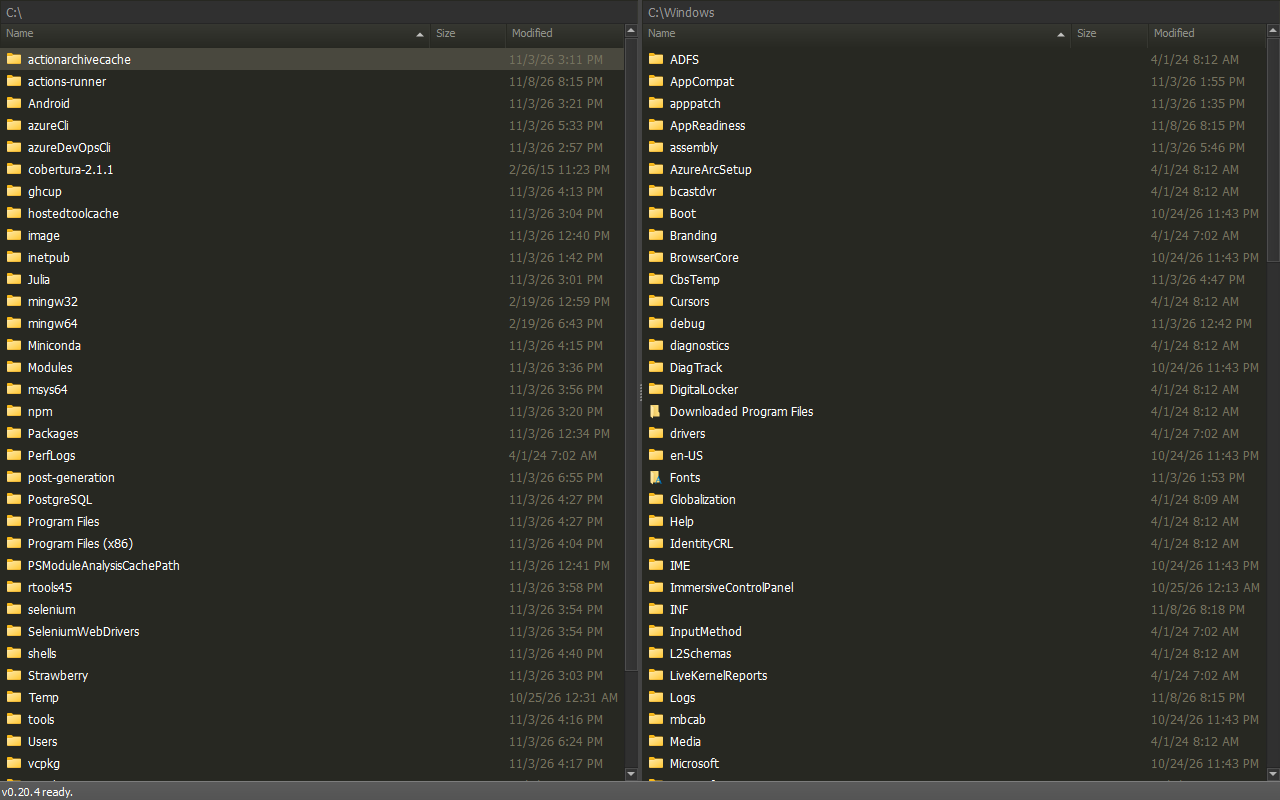
A keyboard-focused dual-pane file manager for Windows.
Minimal interface. Fast navigation. Powerful search. Commands are always close.
Fork of fman
The development began as a fork of fman by Michael Herrmann.
Inspiration
The workflow is highly inspired by Sublime Text.
Features
- Data Safety - Careful handling protects files during copies, moves, link operations and archive transfers.
- Performance - Architecture based on snapshot file listing, virtual rows and background projections for responsiveness and reactivity.
- Fuzzy Find Files - Search the path hierarchy with
fzfstyle search syntax. - Search Files - Search files and content through an easy to use UI panel powered by
ripgrepwith an extension to filter by date and file size. - Find Files - Find files by name, date, size, type and traversal rules through an easy to use UI panel powered by
fd. - Search Files with Everything - Search files and content using the built in Everything search engine with a full support of the everything search syntax and a dedicated indexed folder manager.
- Pane Filter - Type directly in a pane to filter names with globs, anchors and negation.
- QuickView Mode - Preview the selected files over the other pane with Ctrl+Q.
- UI Components - Build richer plug-ins with reusable dialogs, panels and controls.
- Favorites - Organize frequently used locations with Ctrl+B.
- Batch File Renamer - Preview, sort and filter a group before applying a name template.
- Robocopy - Use native Copy/Move commands with their own overwrite and skip policies.
- Text Editor and Viewer - Connect external programs to F4 and F3 with predefined presets for CudaText, EmEditor, Notepad++, Notepad 4, Ecode and Royi Text Editor.
- File and Folder Comparators - Configure external comparison tools with predefined presets for Meld, Beyond Compare, WinMerge and SmartSynchronize.
- Archive Handling - Utilizing
7Ziplibrary for a feature reach and safe experience with archives.
Learn the basics, try Everyday Workflows, or explore every feature and its availability.
Development Guidelines
- Integrity: Data safety above all.
- Foresighted: Simple architecture to avoid edge cases.
- Focus: Minimal UI with keyboard based workflow.
- Reactivity: The UI response to user input.
- Reachability: Accessible tools to reach any file / content with ease and speed.
- Modularity: Easy integration of 3rd party tools for synergy.
Focus in Practice
A file date could be formatted by detecting the OS locale, translating the date, and handling regional edge cases. Date filters and search results instead use ISO dates (YYYY-MM-DD): one predictable format with less conversion code. The pane's Modified column still follows the OS locale.
Performance wise, the gain of skipping the locale is small. About 1.97 [µs] per row.
Still, every microsecond counts. The bigger benefit of ISO dates in filters and search is simpler, predictable behavior.